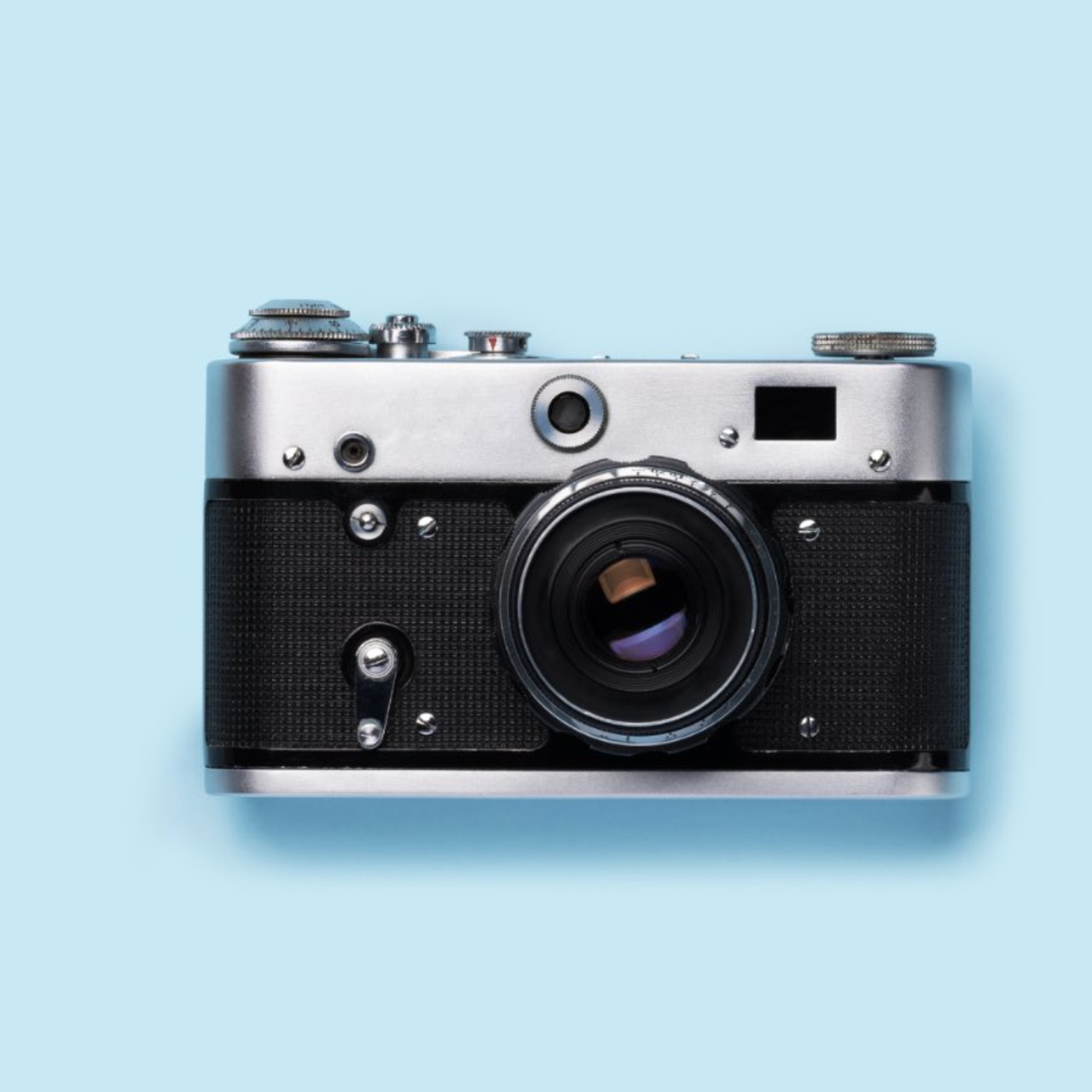
#487Turn the reference image into a transparent object.
Turn the reference image into a transparent object - Nano Banana AI Image Generation Case Input: Please upload a reference image
🎨 View Prompt
Prompt
Make the object transparent
15 Image Editing related cases
Turn the reference image into a transparent object - Nano Banana AI Image Generation Case Input: Please upload a reference image
Make the object transparent
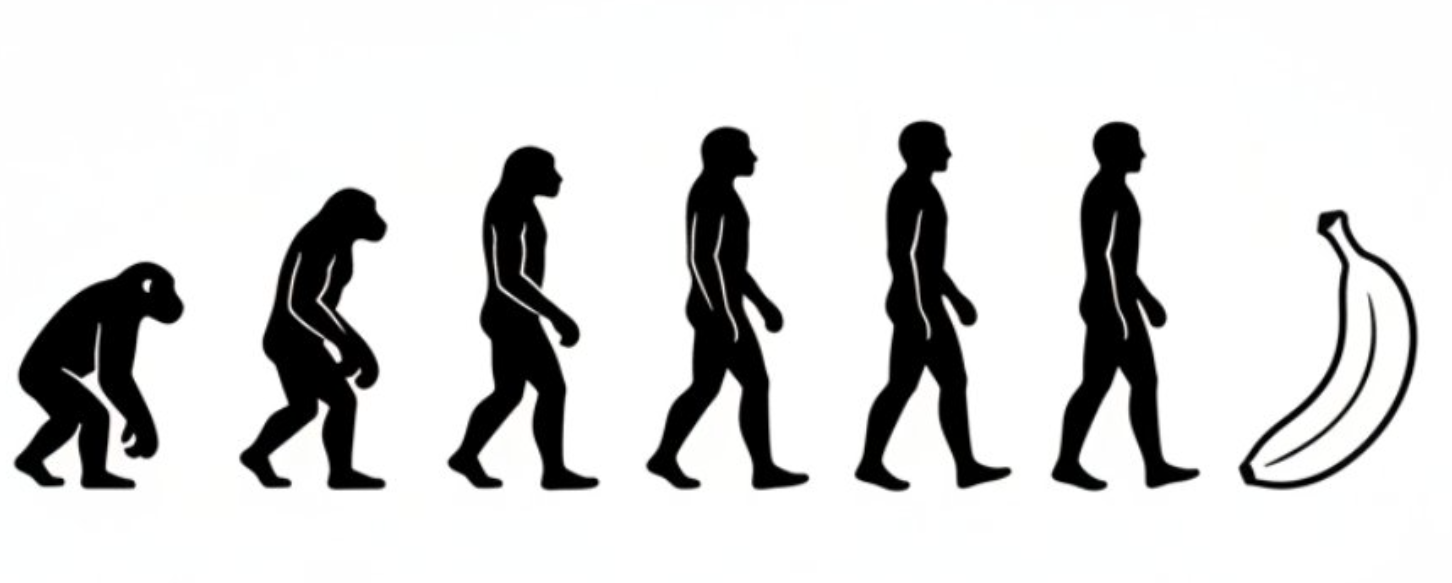
Black-and-White Evolution Diagram — Nano Banana AI Image Generation Case Study
Generate an evolutionary progression image in a minimalist black-and-white style, depicting the gradual evolution from early primates to humans, and finally transforming into a banana.
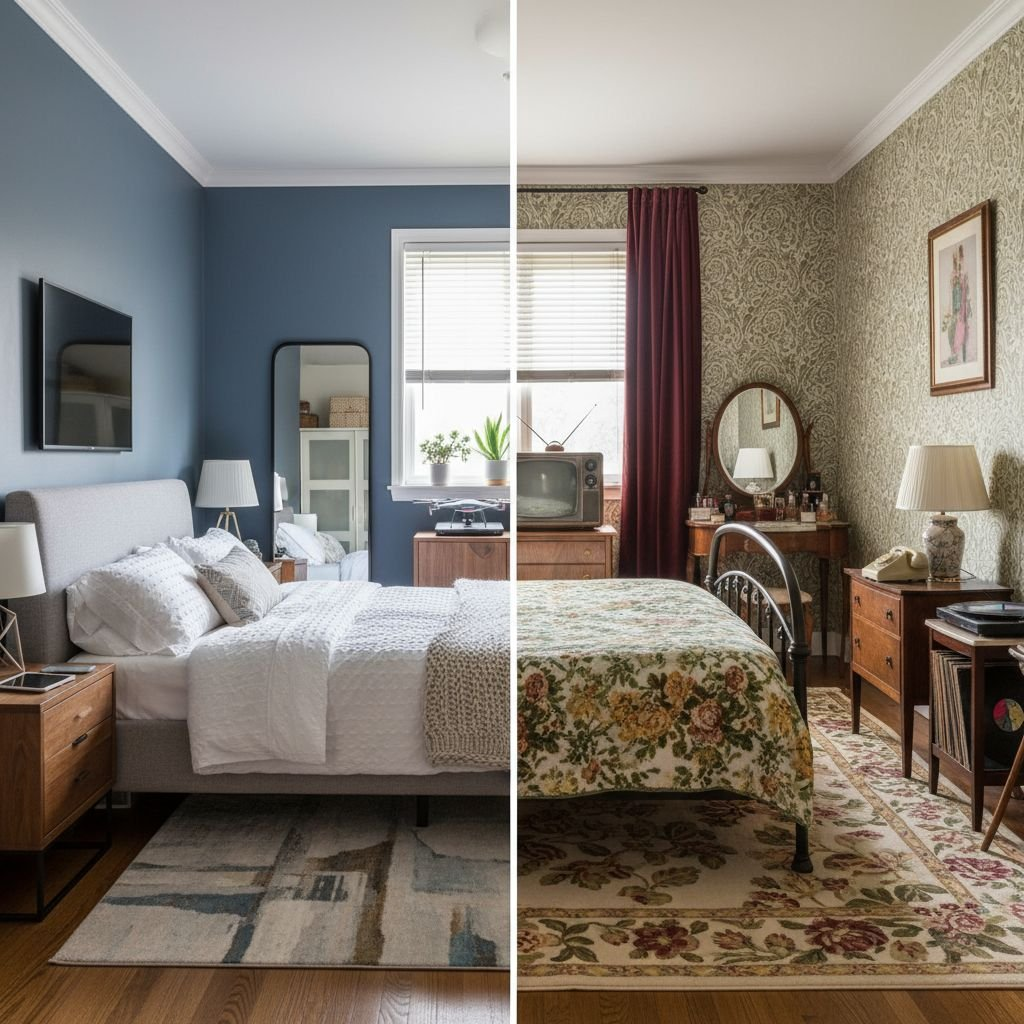
Split-view comparison-style photo — Nano Banana AI image generation case study.
A photo of a bedroom split down the middle, with the left side representing 2018 and the right side representing 1964; both sides depict the same room.
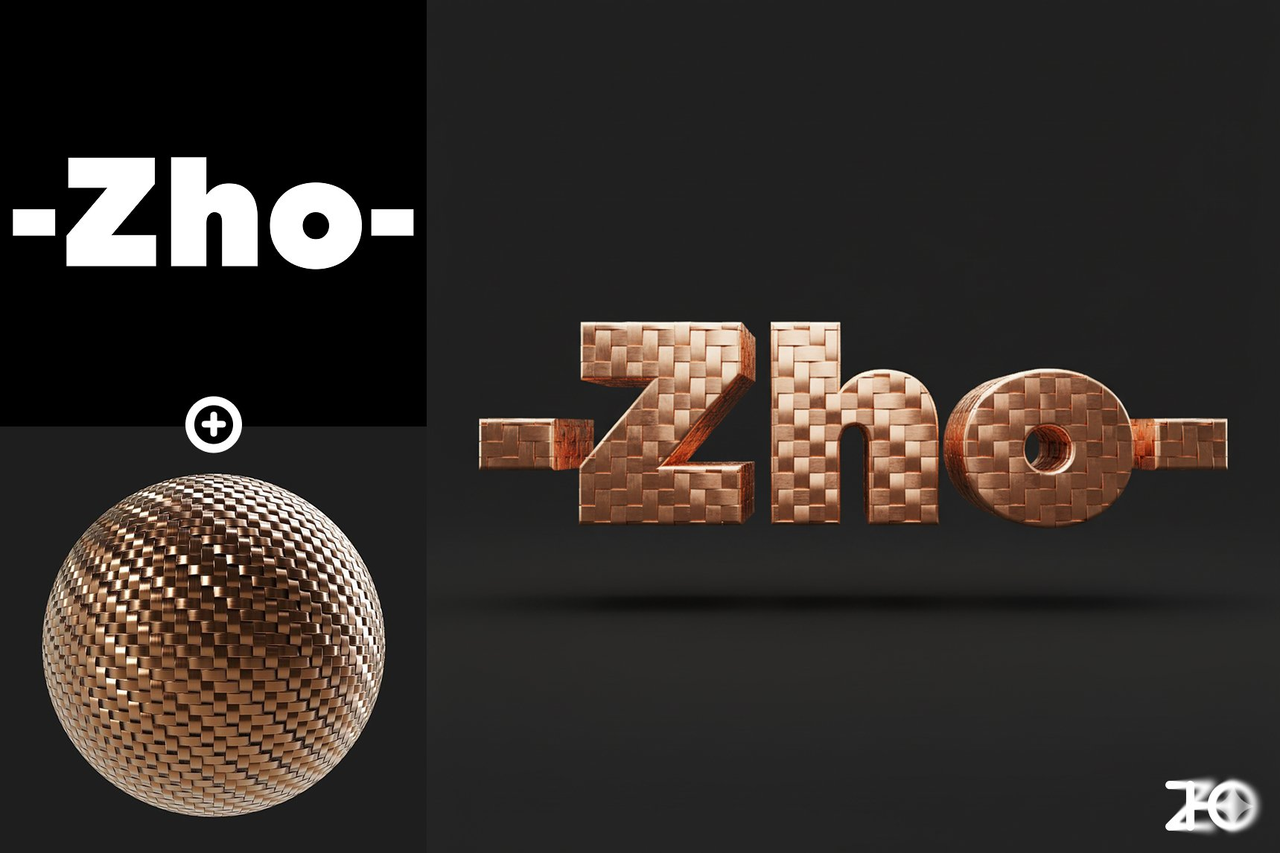
Assigning a material with a material ball — Nano Banana AI image generation example Input: Upload a reference image and a material ball image.
Apply the material from Figure 2 to the logo in Figure 1, rendered in 3D with Cinema 4D, with a solid color background.
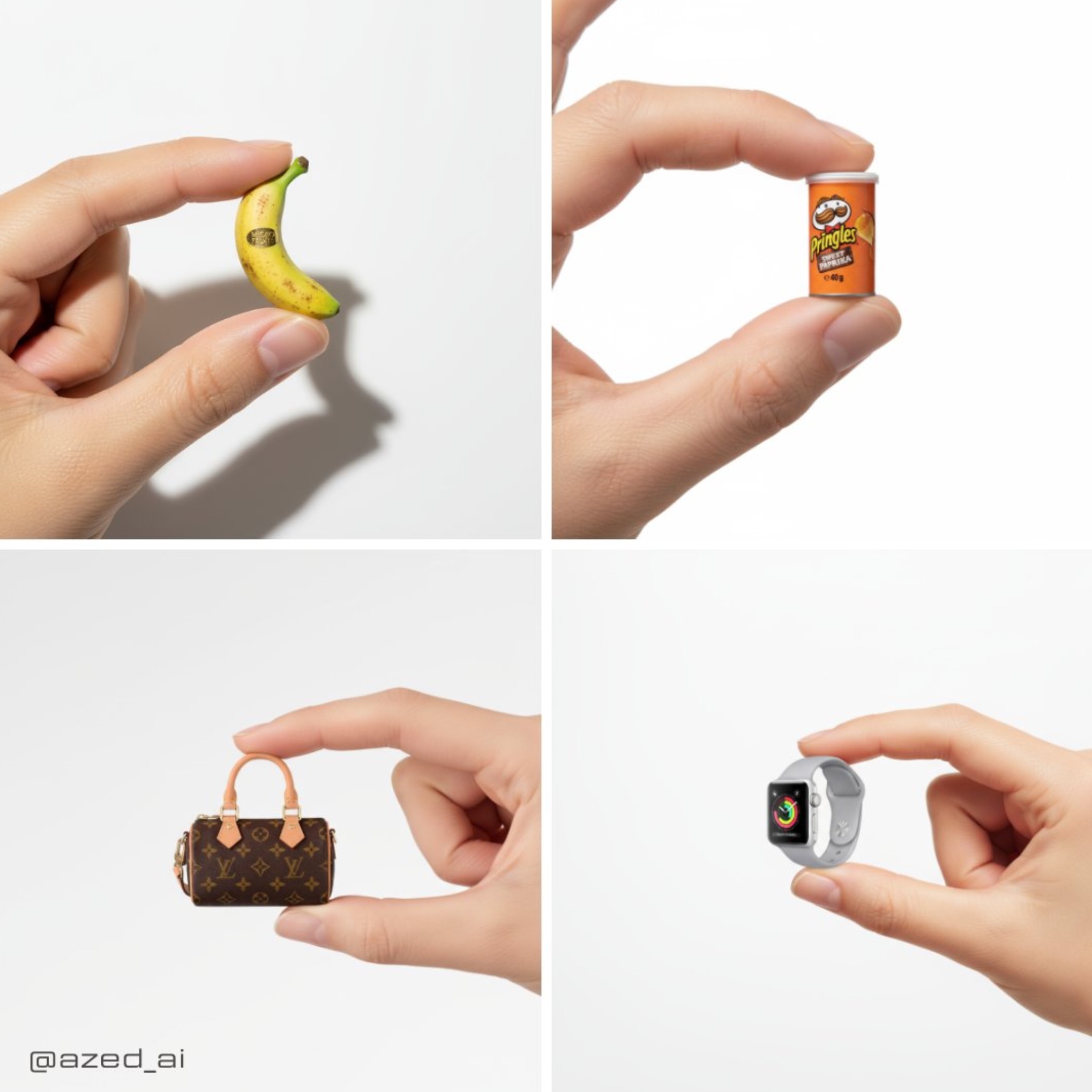
Delicately cute product photos — Nano Banana AI image generation case study
A high-resolution advertisement photograph featuring a man carefully holding a realistic miniature [product] between his thumb and index finger. The background is clean and fresh, with studio lighting...
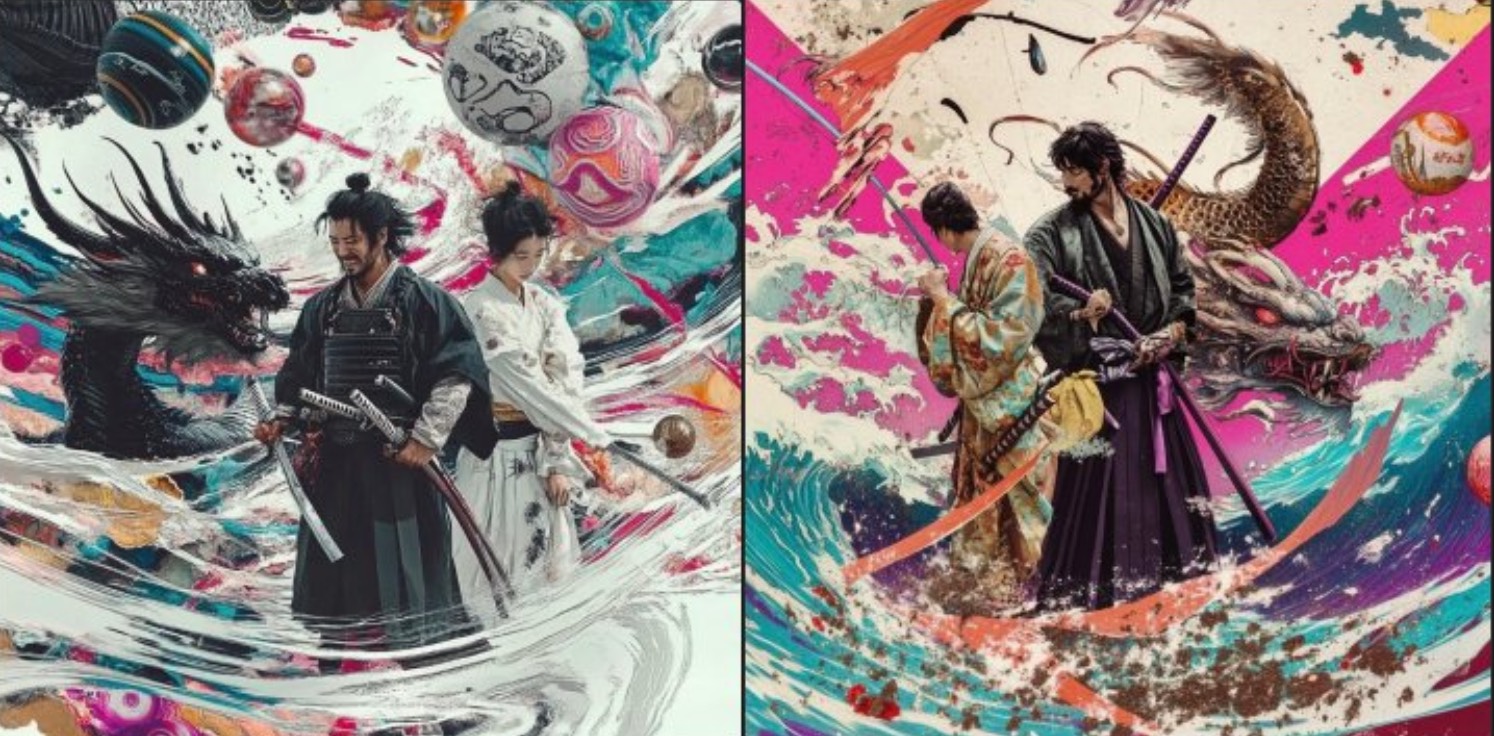
Extract information and place it on a transparent layer — Nano Banana AI image generation case study 📥 Input: Upload a reference image
Extract the [samurai] and place it on a transparent background > [!NOTE] > **Replace the text inside [square brackets] with the object you want to extract**
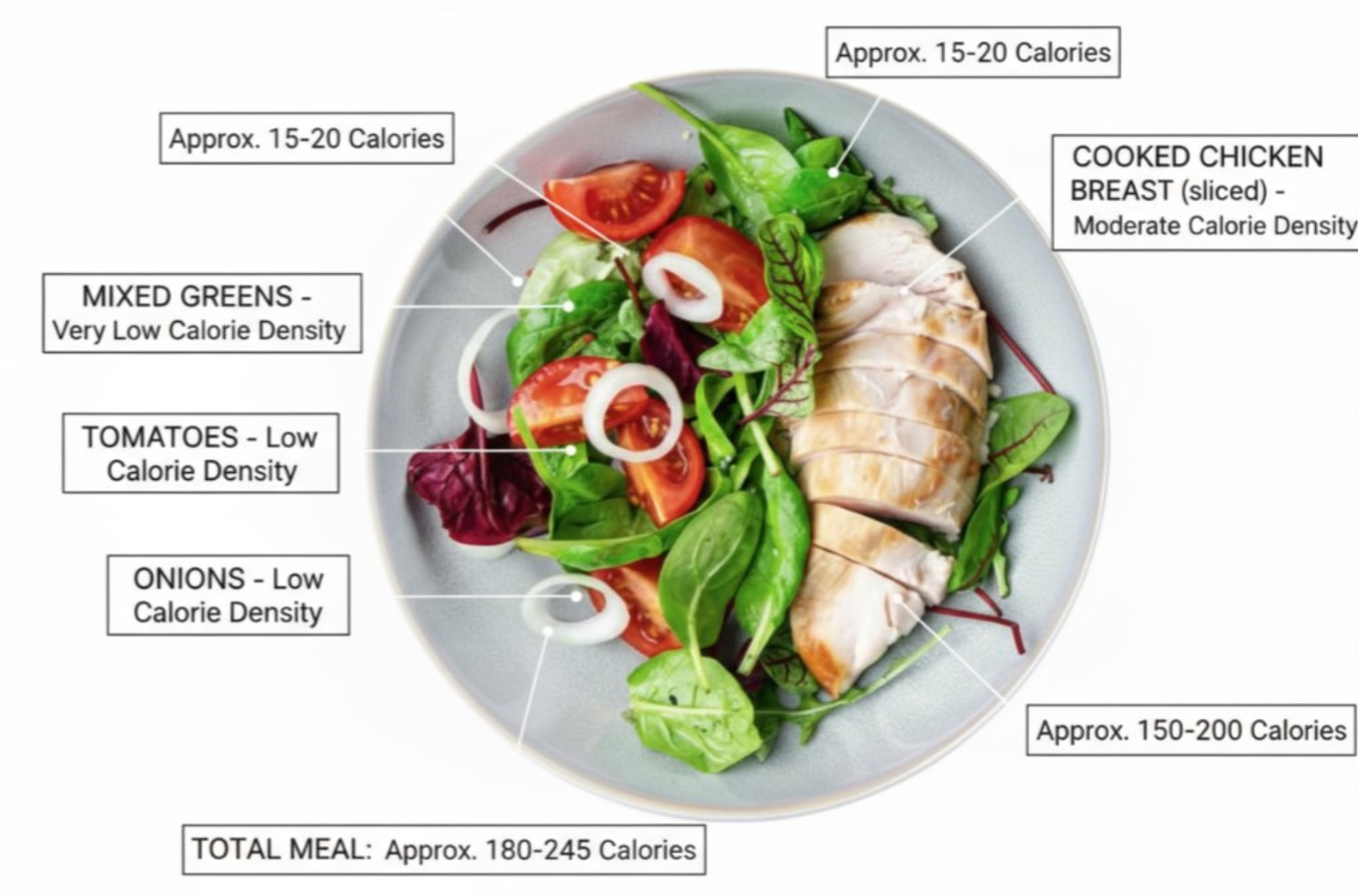
Food Calorie Labeling - Nano Banana AI Image Generation Case Study Input: You must upload a reference image of food.
Annotate this meal with the names of the foods, their calorie density, and approximate calorie content.
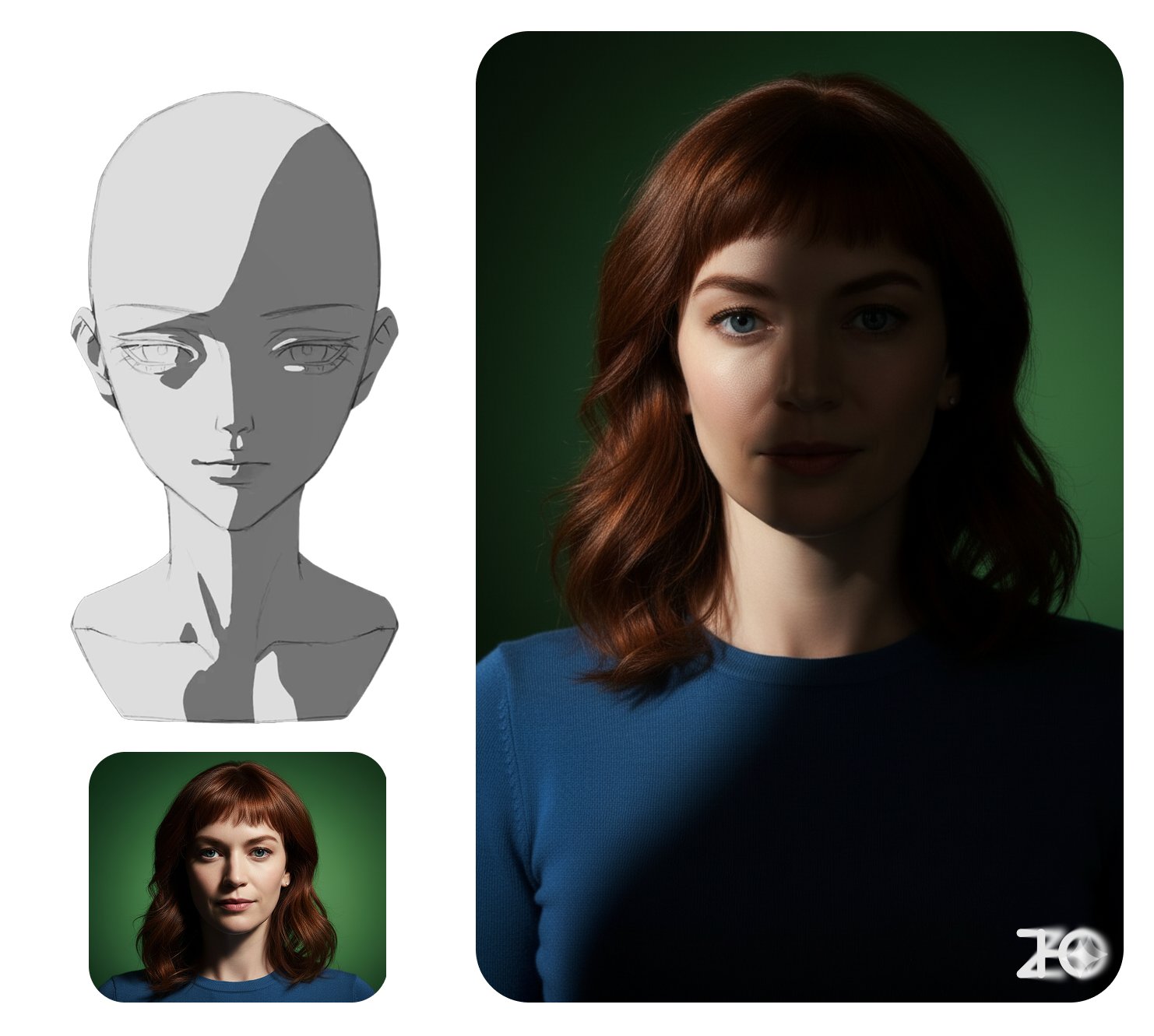
Light and Shadow Control - Nano Banana AI Image Generation Case Study Input: You need to upload a reference image and a lighting reference image.
Transform the character in Image 1 into the light and shadow style of Image 2, with dark tones representing shadows.
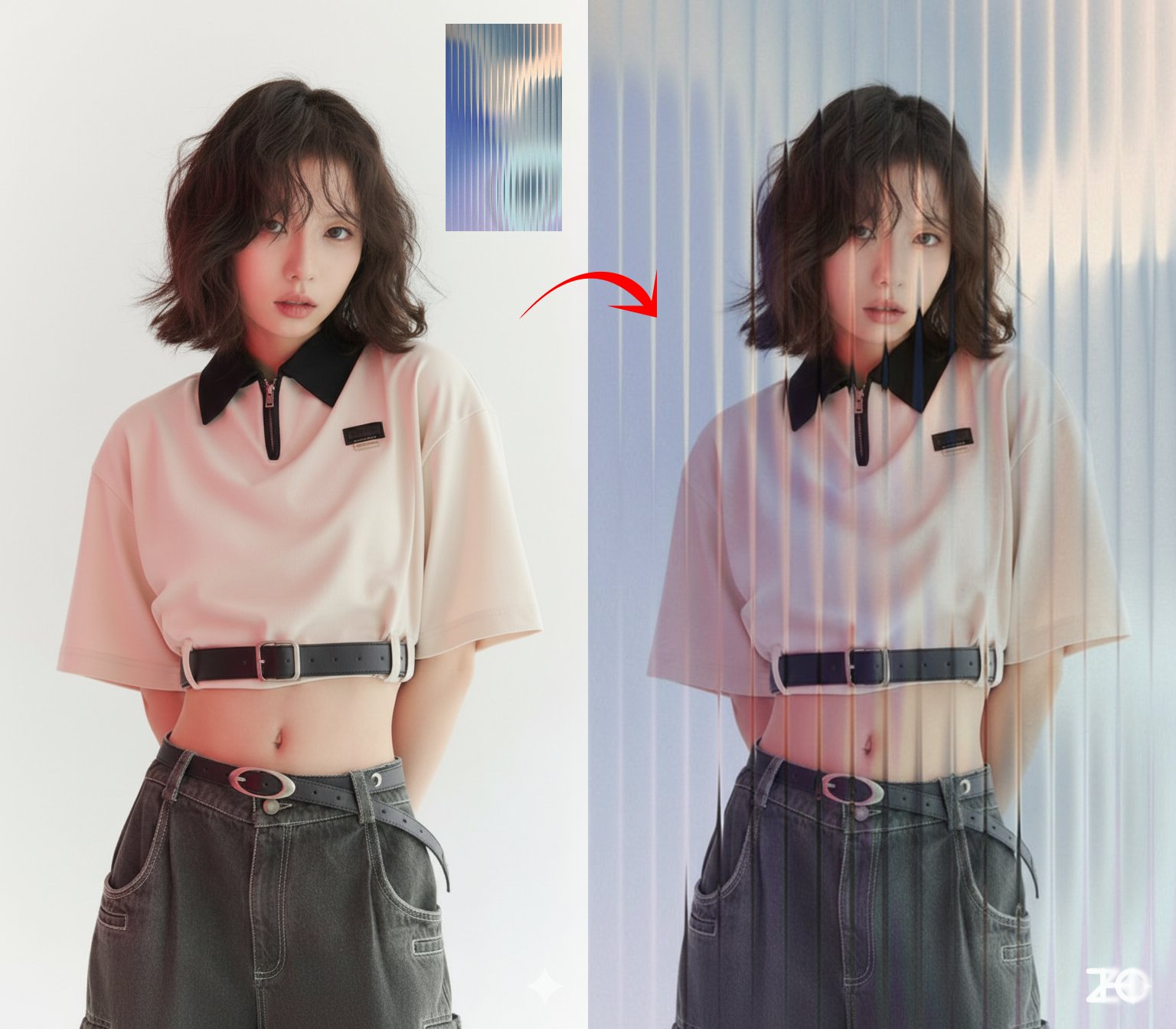
Overlay Filters/Materials - Nano Banana AI Image Generation Case 📥 Input: You need to upload a reference image and a reference image for the filter/material.
Overlay the effect of Image 2 [glass] onto Photo 1. > [!NOTE] > **Replace the text inside [square brackets] with the desired filter/material**
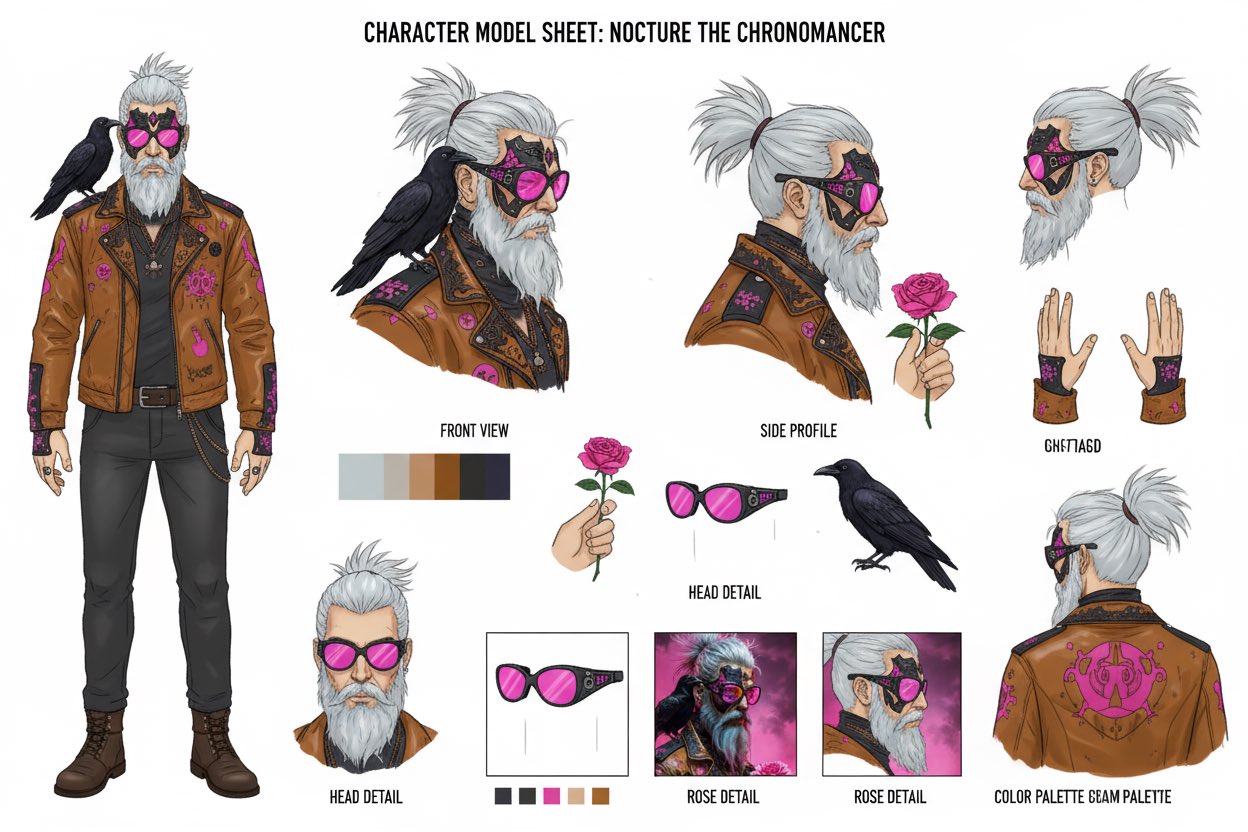
Red Pen Annotations - Nano Banana AI Image Generation Case Study 📥 Input: A reference image must be uploaded
Analyze this image. Mark the areas for improvement with a red pen.
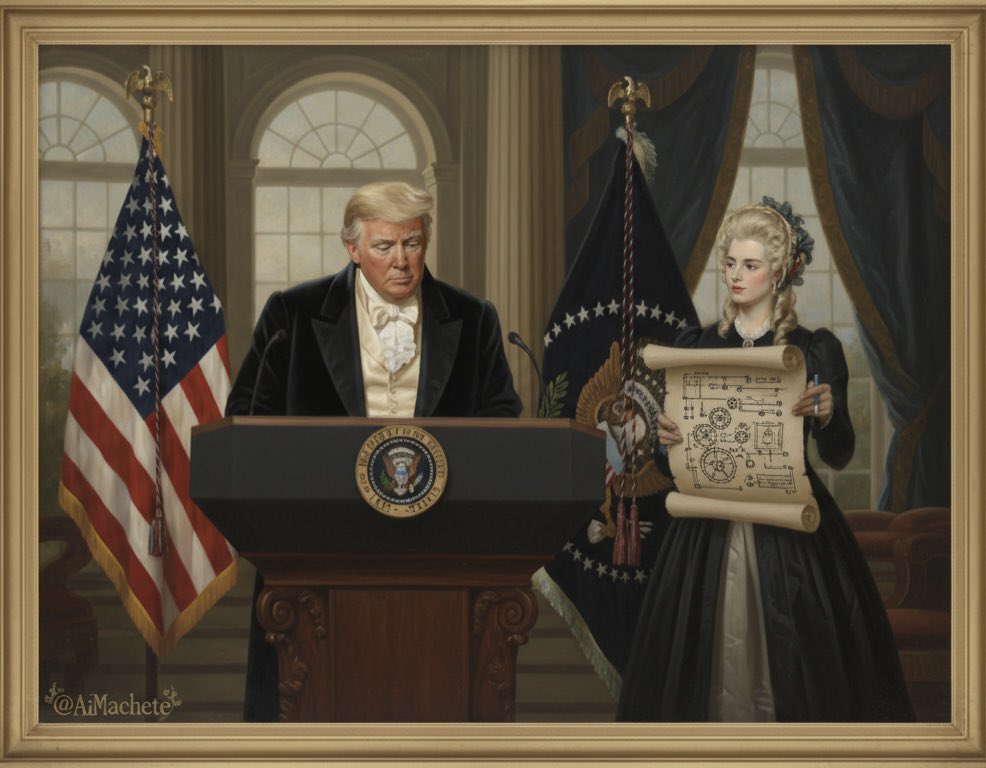
Add watermark to images - Nano Banana AI Image Generation Case 📥 Input: A reference image must be uploaded.
Repeatedly overlay the word "TRUMP" across the entire image.
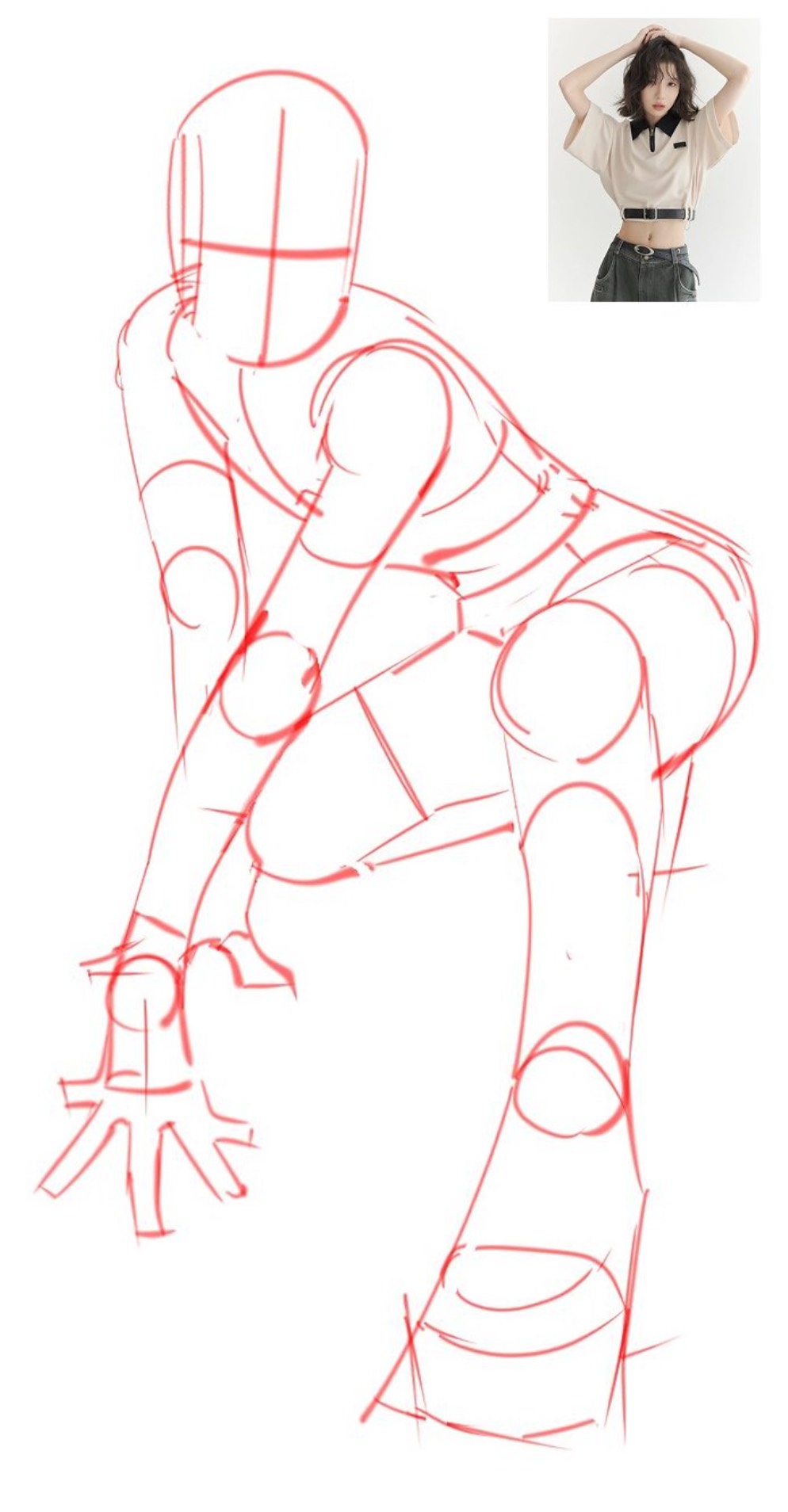
Line Drawing to Image Generation - Nano Banana AI Image Generation Case Study Input: You must upload a line drawing and a reference image.
Replace the character in Image 1 with the pose from Image 2, shot in a professional photography studio.
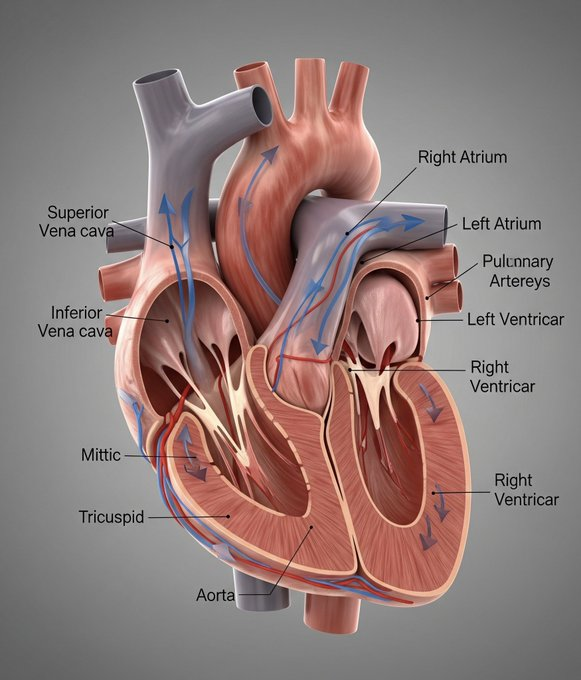
Model Annotation Explanation Diagram — Nano Banana AI Image Generation Case Study
Create a 3D model of an organ, specifically a heart, for academic display. The model should include annotations and explanations, suitable for demonstrating its principles and the functions of each or...
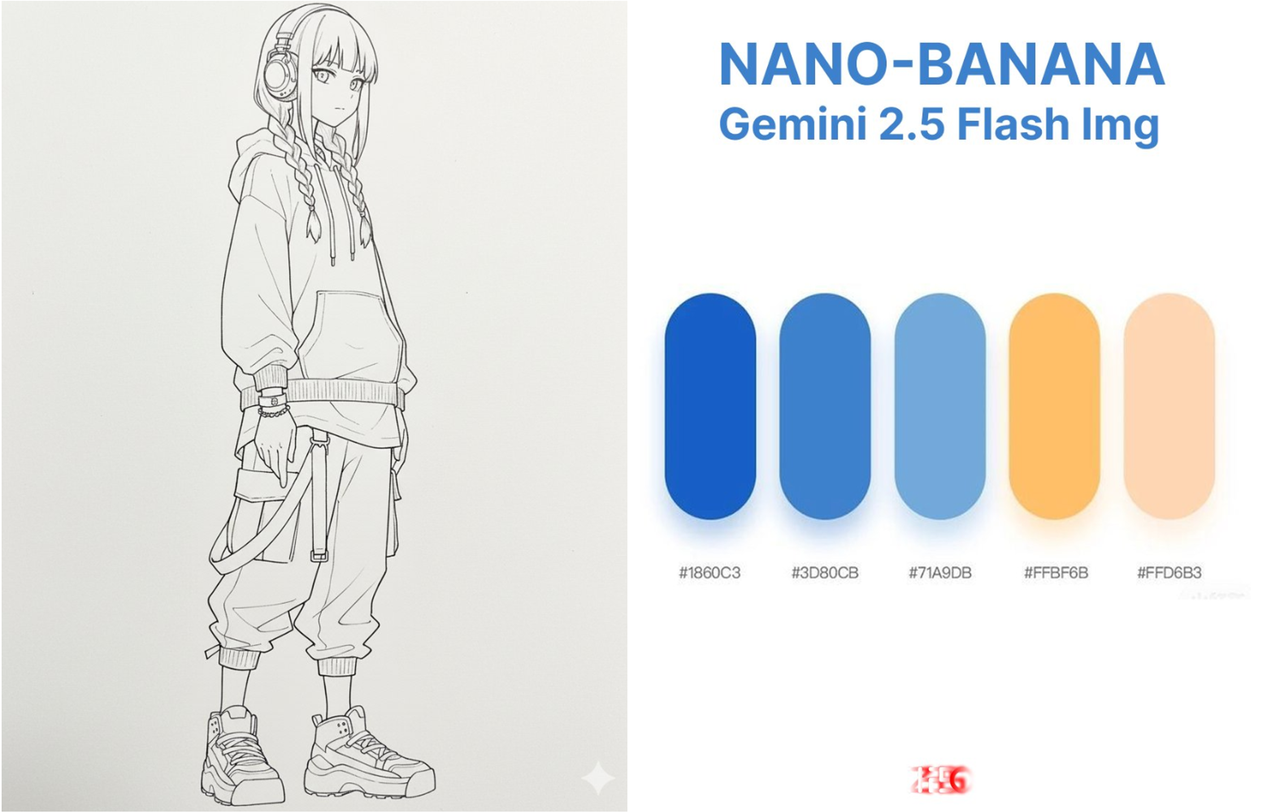
Coloring Line Art with a Color Swatch - Nano Banana AI Image Generation Case Input: You need to upload a line drawing and a color swatch image
Accurately color the character in Image 1 using the color palette from Chart 2.
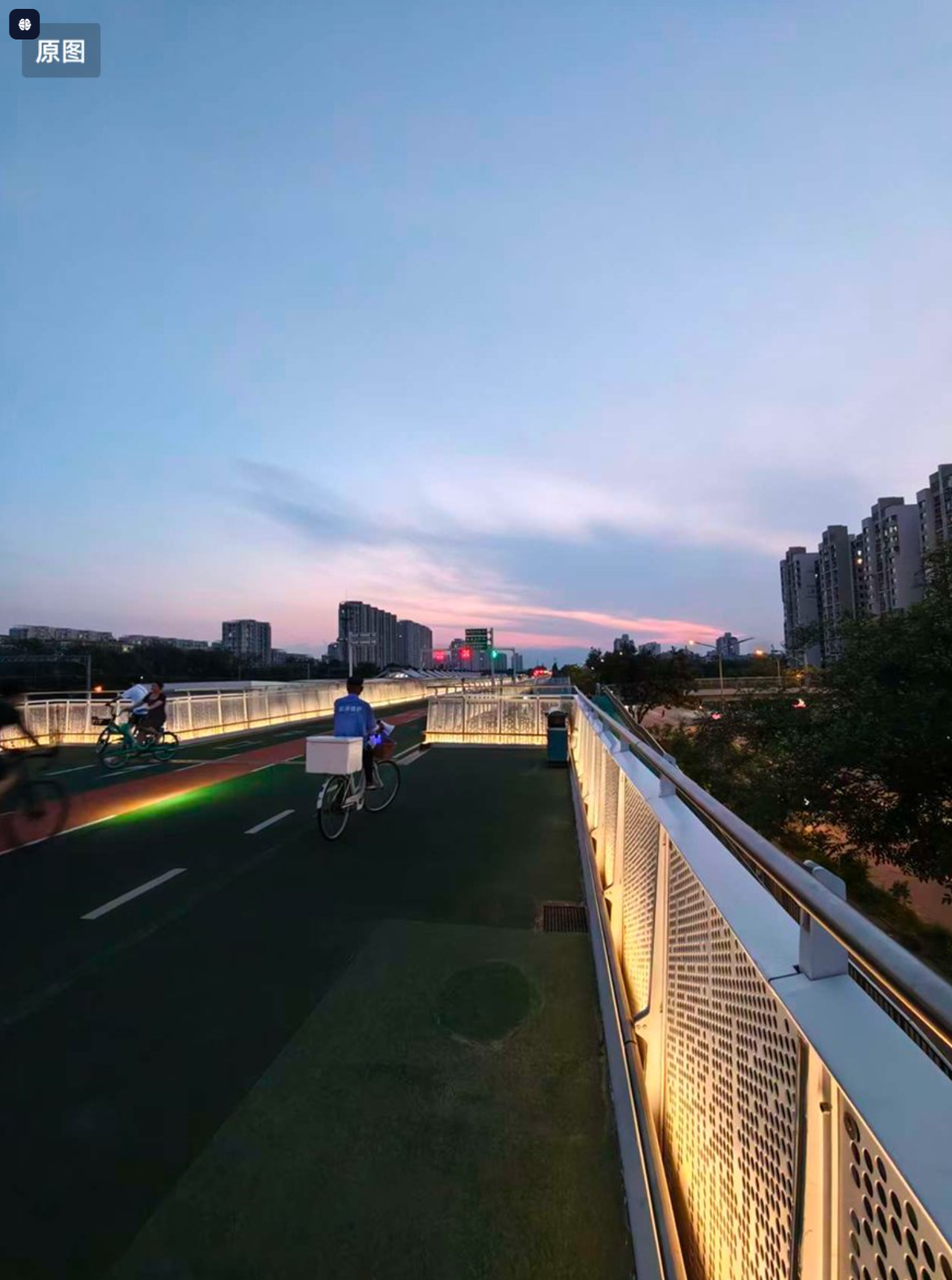
Automatic Photo Retouching – Nano Banana AI Image Generation Example 📥 Input: Upload an image that needs correction
This photo is very dull and plain. Enhance it! Increase contrast, boost colors, improve lighting to make it more vibrant. You can crop or remove details that affect the composition.